How to export followers?
ℹ️
Audience: This article is intended for Syntphony admins
Get the community ID
-
Access the community you want to get the followers from
-
Open the Community details panel
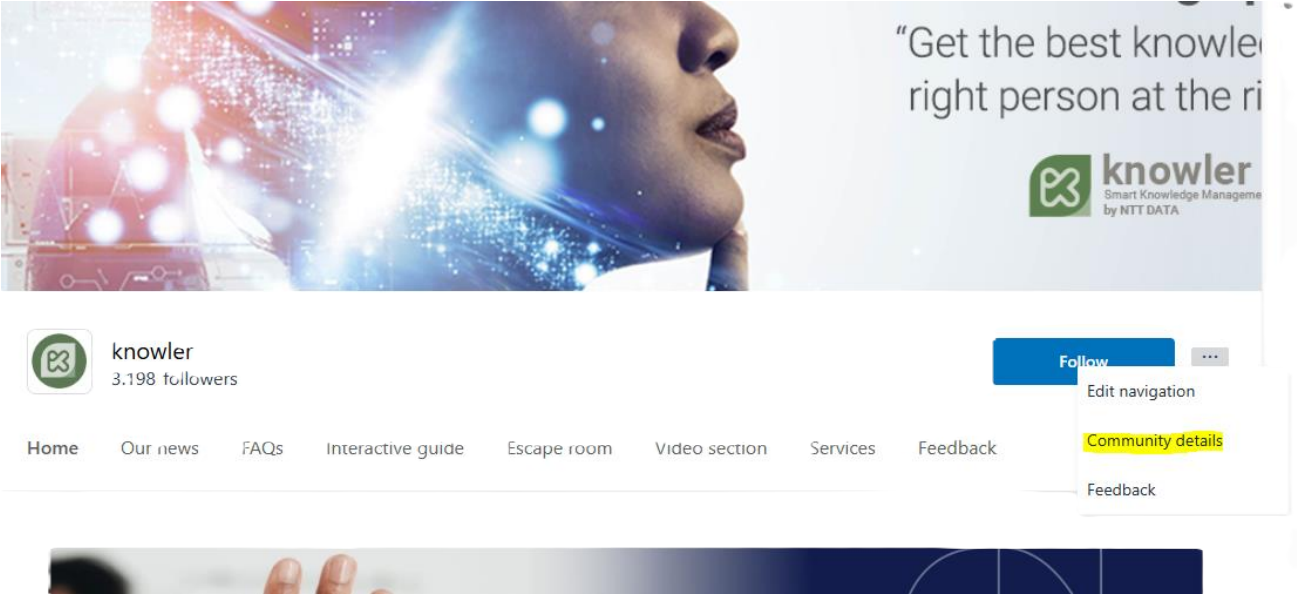
-
Copy the
uniqueIdvalue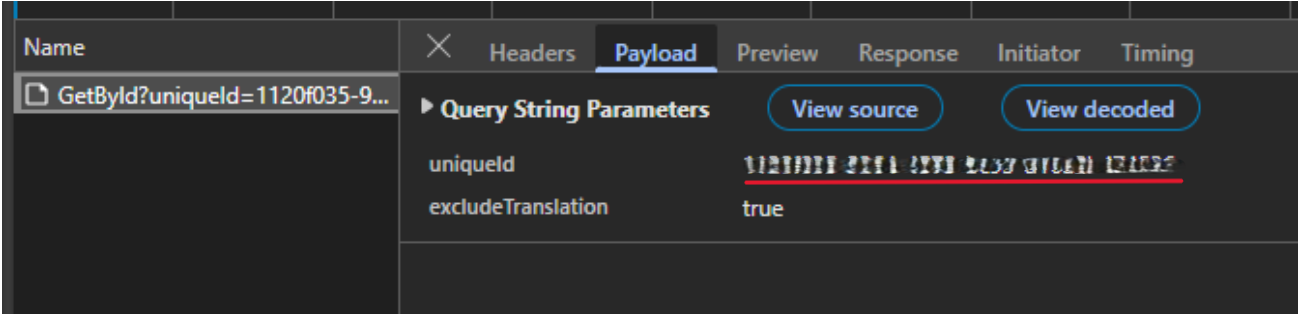
Get followers from Azure Cosmos DB
- Access to https://portal.azure.com
- Open Azure Cosmos DB
- In the left menu, access to Data Explorer
- Execute the following query, replacing
{COMMUNITY_ID}with the uniqueId from the previous step:g.V('{COMMUNITY_ID}').inE('Follow').outV().hasLabel('person').Values('id')If you need different results, you will need to modify the query accordingly.
- Copy the results